Boolean operators are words (AND, NOT, OR) that can be used to combine or exclude keywords when creating a search input for a database. Using boolean operators will help focus your search results which should hopefully lessen the amount of time you have to spend scrolling through results.
It is important to always use boolean operators in library databases! If you were create a search input in the form of a question the database will automatically put AND in between every single word and the results will likely be overwhelming in number and content.
Example: If you put "what did higher education look like in the 1950s?" into a library database the database will process it as "what AND did AND higher AND education AND look AND like AND in AND the AND 1950s". Which is most likely what you did not intend to search for!
It is also important to note that each database will have different standards for inputting boolean operators so it is always good practice to use capitalization (AND vs. and).
AND ensures that all the returned results include mentions of both keywords in each resource. This operator is often used to narrow down and limit search results.
Example: cats AND dogs --> this will return resources that only mention both cats and dogs.
OR allows returned results to include either keyword but does not guarantee both will be used in each resource. This operator is often used to expand search results.
Example: cats OR dogs --> this will return results where cats may be mentioned in one resource but dogs are not. Or vice versa, dogs mentioned in another resource but not cats.
NOT is used to exclude a certain keyword, making sure the first keyword is searched but any results that have the second keyword attached to the first is not included. This operator is useful when conducting research using a keyword that can be used in several different ways and contexts.
Example: dogs NOT "hot dogs" --> this will return results that only mention dogs the animal not hot dogs the food we like to eat!
Visual Example:

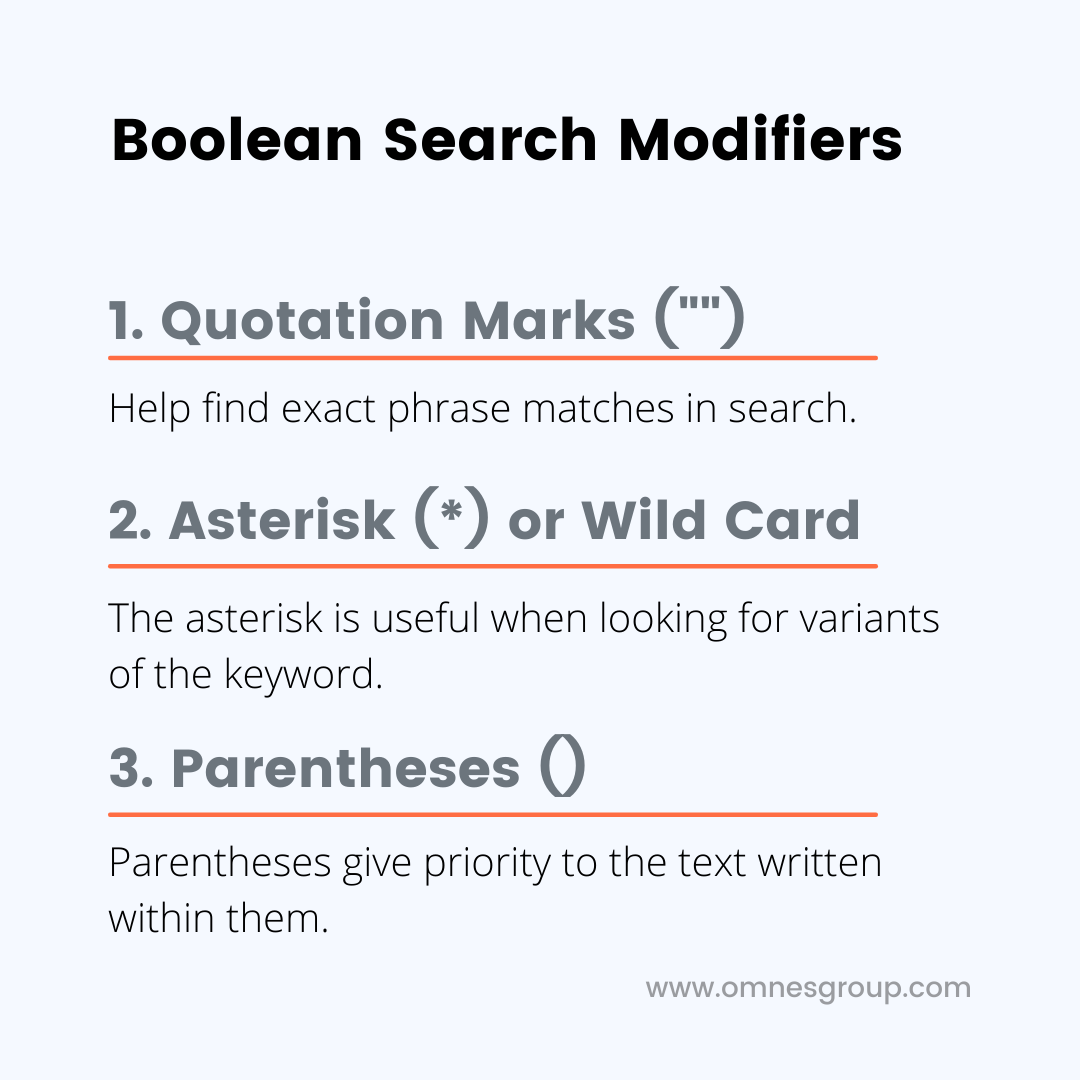
Quotation Marks " " requires all returned results to keep words between the quotes as they appear. This modifier is helpful to use when searching with a specific phrase or title in mind.
Example: "social media", "mental health", "climate justice"
Parentheses ( ) Keeps certain serach strings together and ensures that whatever is in parentheses is searched first. An easier way to think of this is to think back to the PEMDAS method you learned in math classes.
Example: "higher education" AND (rankings or enrollment)
Asterisk * will return results with variants of the keyword. Useful when using a keyword with several different variations but are equally relevant.
Example: Educat* -> -ion, -or, -e, -ed (Education, Educator, Educate, Educated)
Visual Example: